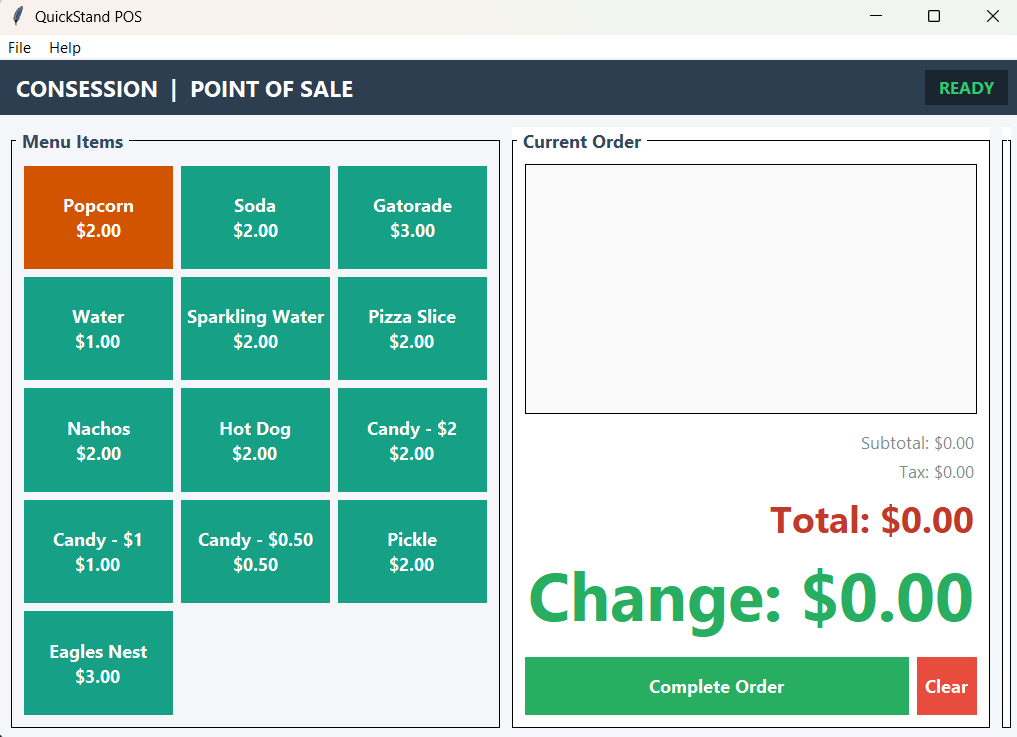
A lightweight, easy-to-use desktop POS application built for concession stands, small event setups, and fast service menus.
Get QuickStand POSManage your items, prices, and categories simply by editing a standard menu.csv file. Change prices or add inventory on the fly.
Choose between standard, medium, or high-density button layouts to best suit touchscreens or compact displays.
Integrated on-screen touch keypad for fast cash tender entry, with support for left, center, right, or disabled placement.
Automatically records transactions to organized CSV files. Generate instantaneous sales summary reports with itemized revenue breakdowns.
Train volunteers or staff risk-free. Practice mode isolates test sales into a separate file without affecting real business totals.
Easily toggle tax calculation on or off and set custom tax percentages in the system configuration menu.
Large, high-contrast touch buttons designed for quick item selection during fast service hours.
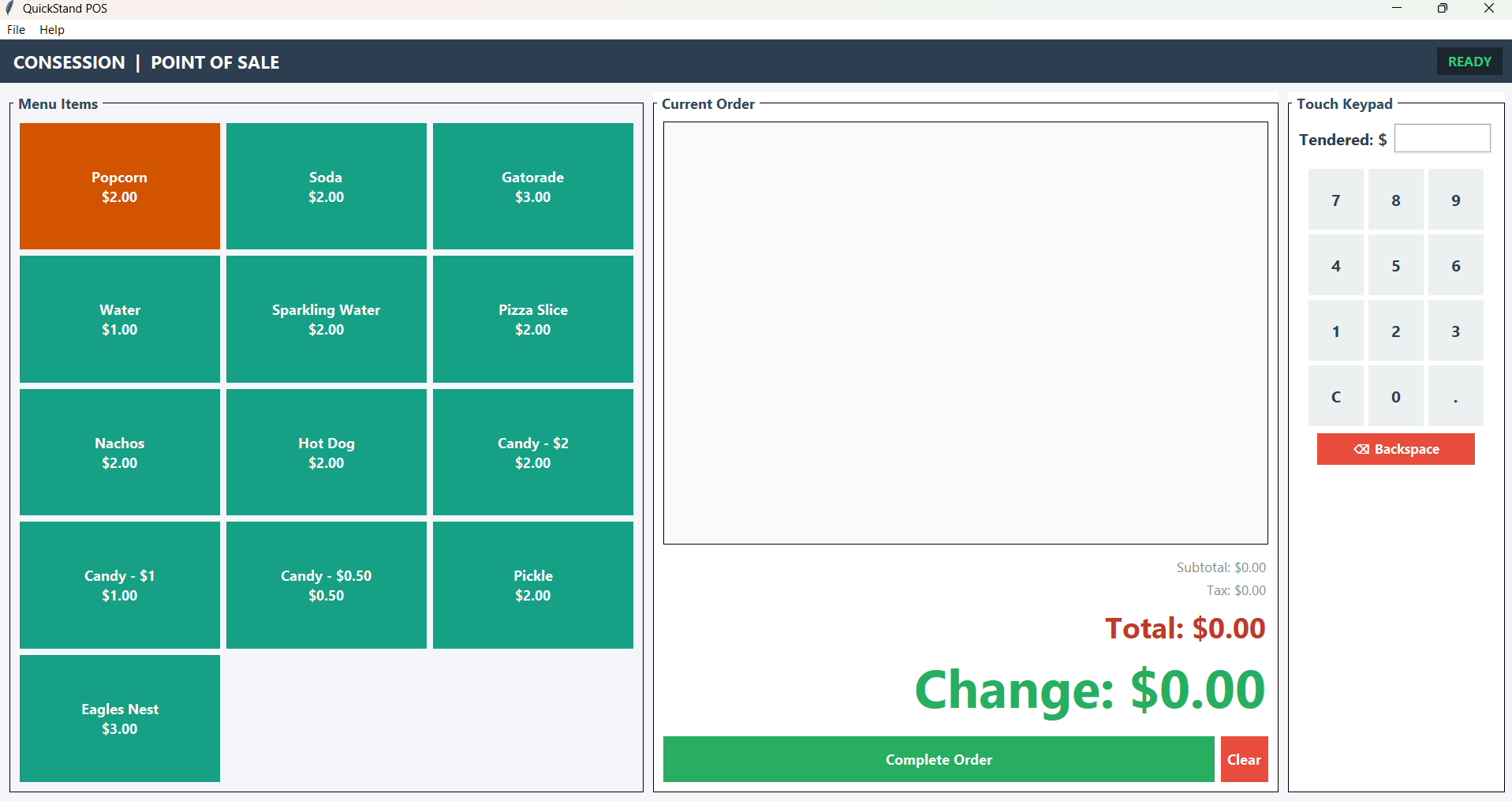
Optional side keypad panel for fast, accurate cash tender entry without needing a hardware keyboard.
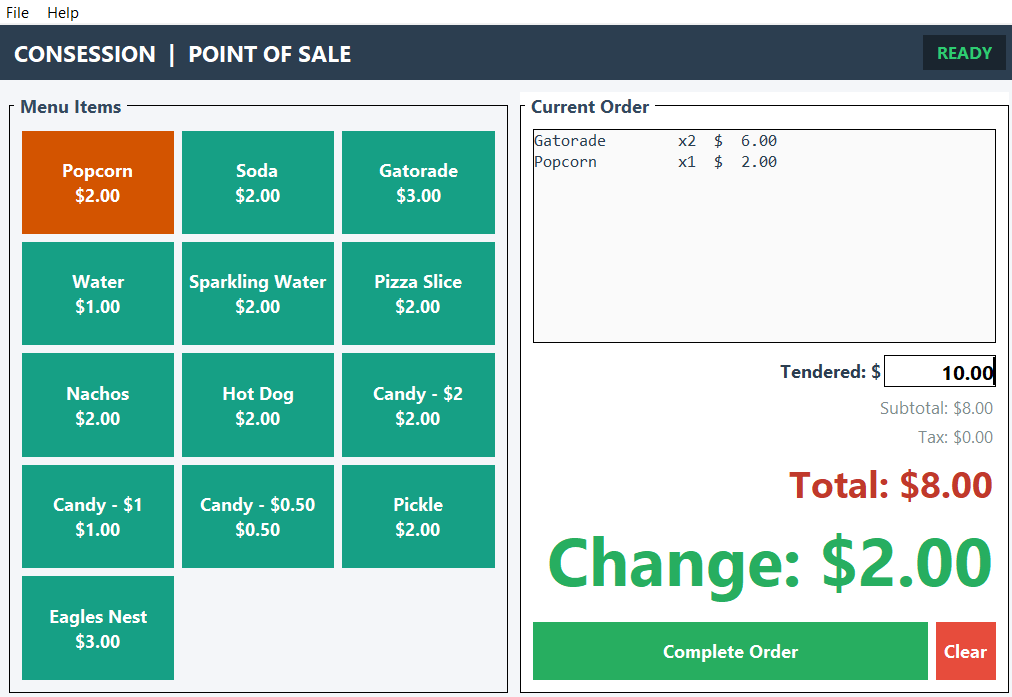
Live order updates, automatically calculated tax, clear total displays, and large change readouts.
Free, standalone offline application for Windows.
menu.csv templateQuickStand POS is provided free to use for your events.
If this tool saves your organization time or money, consider leaving a small contribution to help cover domain, hosting, and costs for further development.
Have questions, need help setting up your menu file, or interested in custom Windows tablet hardware packages for your organization? Send us a message!